
Mobile app
A school management app. As simple as using your phone.
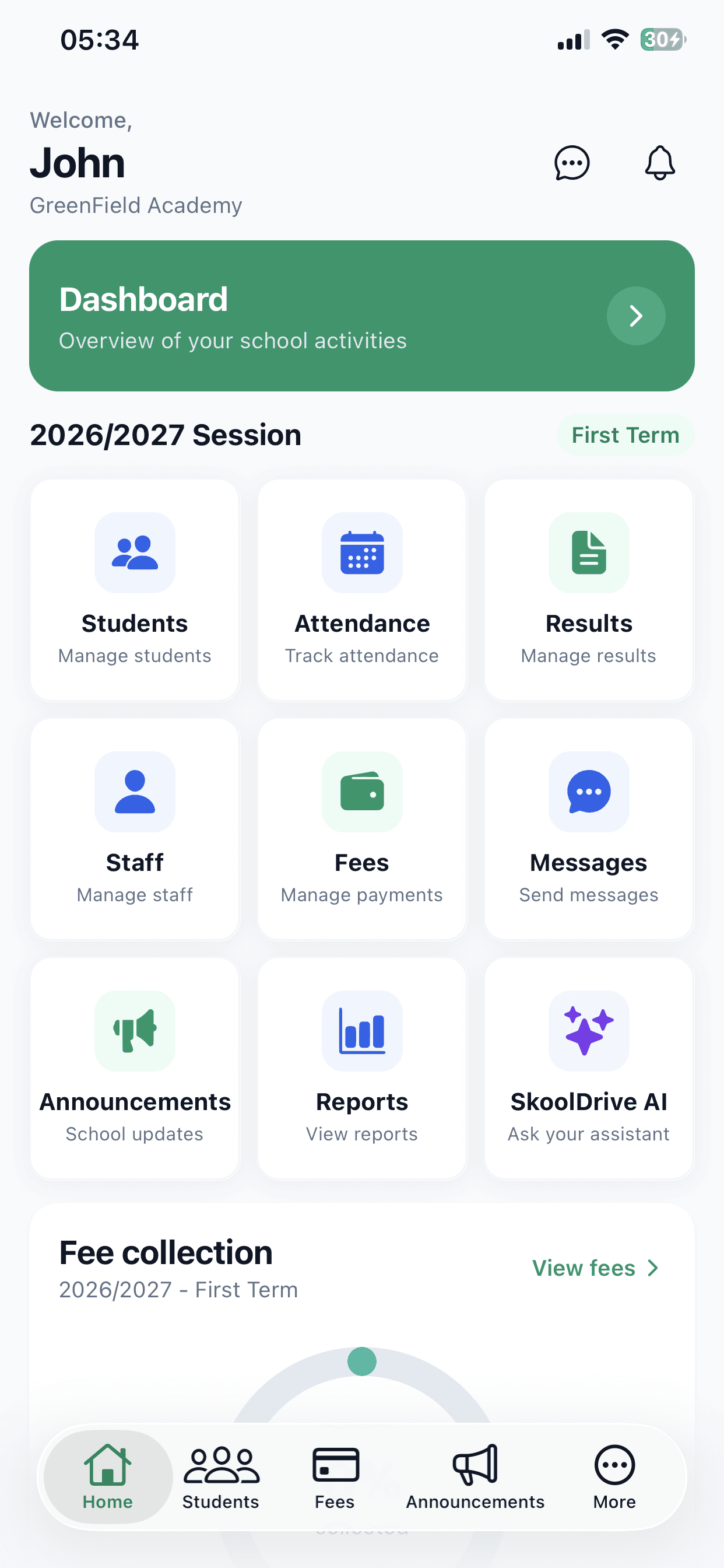
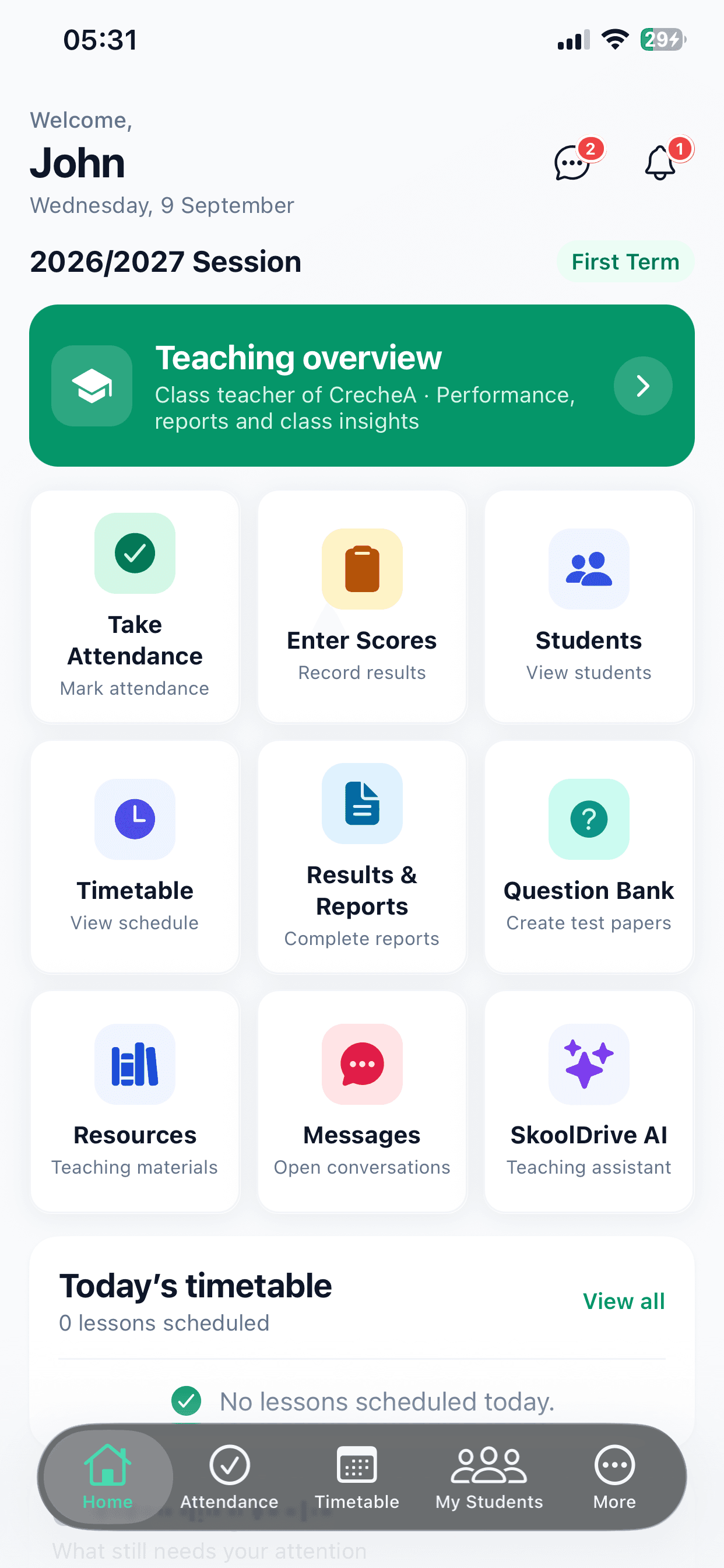
Use the SkoolDrive school management app on Android or iPhone to mark attendance, enter scores, review fee records and check a child’s published results. Each person sees the work their role allows, with a companion web portal for larger-screen tasks.
Android + iPhone + companion web portal
The everyday challenge
School work does not happen at one desk.
A teacher is in class, an administrator is moving between offices and a parent is away from school. A mobile-first workflow lets each person find the information and actions relevant to them without using the same crowded dashboard.
A clear way through
Here’s how it works.
- 01
Set up your school
Speak with the SkoolDrive team about your school’s structure and onboarding. Staff accounts and class assignments are prepared before everyday use.
- 02
Sign in to your role
Staff use their school account. Parents use the private access code issued for their linked children. The app presents the appropriate workspace and permissions.
- 03
Use the phone for daily work
Teachers manage authorised attendance and scores; administrators review school work and fee records; parents follow available updates and published results. Use the companion web portal for browser-based CBT and larger-screen workflows.
Built around your work
Useful to each person, not identical for everyone.
A class teacher’s responsibilities are different from a parent’s. Role-based access helps keep those boundaries clear while everyone works with connected school records.
- Teachers: assigned work, class attendance and resources
- Administrators: students, staff, results and fee records
- Parents: explicitly linked children and published information
The details matter
Download the app. Keep the school account.
Installing SkoolDrive does not automatically create a school or link a child. Your school provides the correct access. A parent can sign in on another phone using a still-valid access code, without treating a device change as a new onboarding.
- Available through the App Store and Google Play
- Web access complements the mobile app
- Protect access codes and report suspected exposure
Keep school within reach
One app. Your role. Your school.
Already onboarded? Download the app and use your school-provided access.
A little more clarity
Good questions.
Straight answers.
Have a school-specific requirement?
Talk to our teamCan I use SkoolDrive on Android and iPhone?
Yes. The mobile app is listed on Google Play and the App Store. Existing users sign in with the access provided by their school.
Does everything on the web exist in the mobile app?
No. Core daily workflows are available on mobile, while CBT is currently a web-portal workflow. Ask for a demonstration of the exact tasks your staff need.
Does downloading the app register my school?
No. School onboarding is assisted. Request a demo or submit your school details so the team can discuss setup, access and the appropriate plan.
Better connected
The next part of your school’s workflow.
Results & report cards
Compile CA and exam scores, review student results and publish report cards to parents. School result processing software for Nigerian schools.
Mobile app + web portalFee tracking
Organise school fee charges, record payments, review submitted proof and track outstanding balances. Fee management software for Nigerian schools.
Mobile app + web portalAttendance
Record class attendance, review daily registers and track attendance history with SkoolDrive’s school attendance app and web portal.
Mobile app + web portalStart with your school
See what a more connected school day looks like.
Bring your school’s biggest administrative challenge. We’ll walk through the relevant workflow and discuss a practical way to get started.