
CBT examinations
CBT exam software for schools. Prepare. Test. Review.
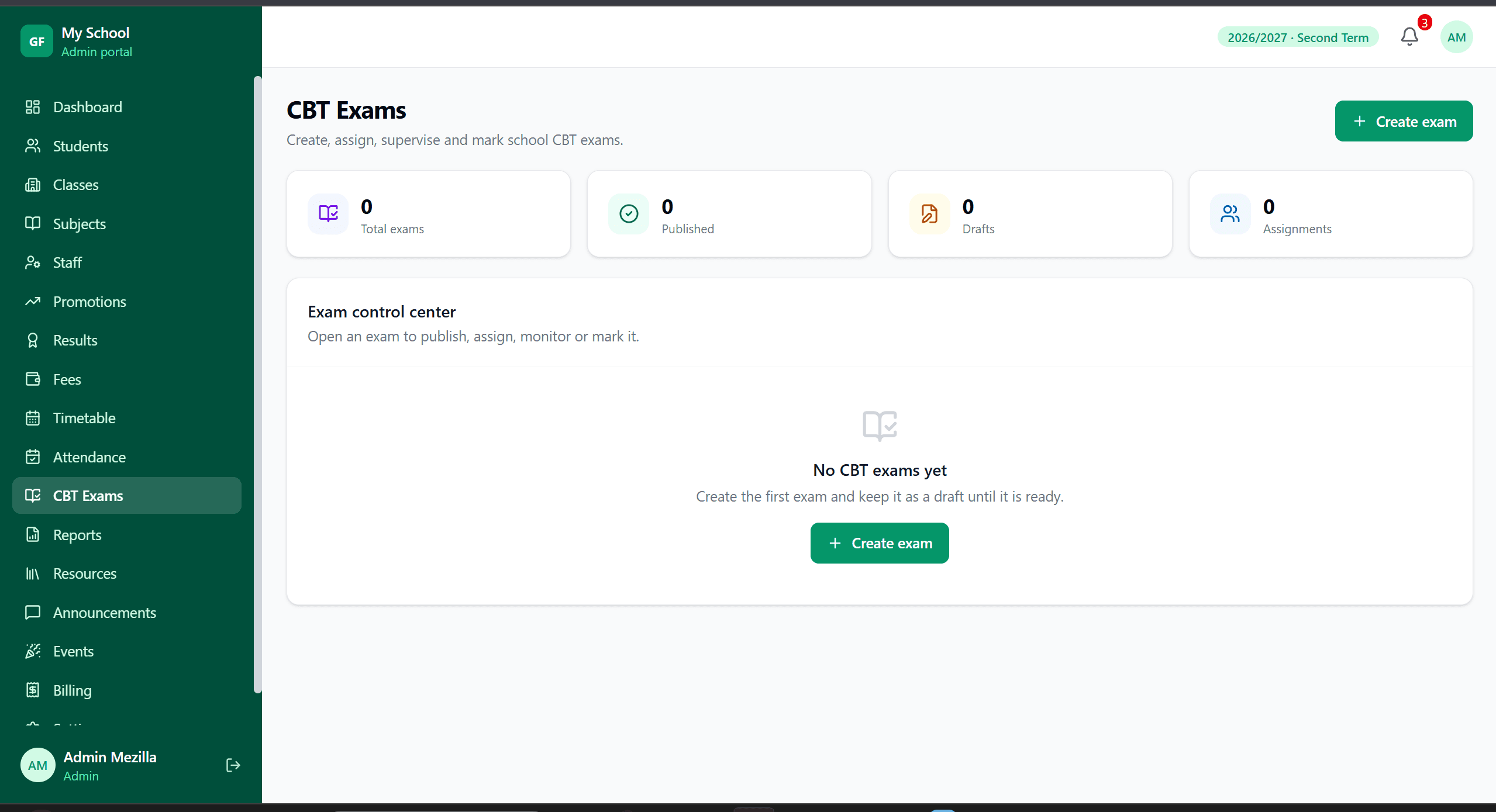
Prepare and run school computer-based tests through the SkoolDrive web portal. Organise exam questions, check student access and review outcomes in a structured CBT workflow, with staff supervision and a practice run before exam day.
Web portal
The everyday challenge
Moving an exam online takes more than a question list.
Schools need suitable devices, reliable access, reviewed questions and clear instructions. SkoolDrive provides the school CBT workflow; a well-planned exam day still needs staff supervision and a readiness check.
A clear way through
Here’s how it works.
- 01
Prepare the exam
Set up the exam and its questions in the CBT area of the web portal. Review wording, answer choices and the marking approach before making the exam available.
- 02
Check access and run a trial
Confirm the intended students can reach the exam using the school’s chosen browser and devices. Test internet and power arrangements, timing and instructions before the real sitting.
- 03
Run, review and follow up
Supervise the exam, review submissions and complete any required marking or result-release steps. Use the outcomes to identify topics that need more teaching.
Built around your work
Prepare questions for a school computer-based test.
SkoolDrive also has a Question Bank for preparing question papers. It is a separate workflow from CBT question management. Review and set up the questions in the CBT area; do not assume a generated paper becomes a live CBT exam automatically.
- Staff review questions before use
- Configure the exam in the web portal
- Use clear instructions and an appropriate test window
The details matter
Plan for a real school environment.
Begin with a small practice test, not a high-stakes exam. A trial reveals login problems, confusing questions and device issues while there is still time to fix them.
- Browser-based access rather than a native CBT app
- Plan connectivity and power for the session
- Use staff supervision; no automated proctoring claim
A little more clarity
Good questions.
Straight answers.
Have a school-specific requirement?
Talk to our teamIs CBT available inside the Android or iPhone app?
CBT is available through the web portal. Use the browser for exam delivery; it is not currently a feature inside the native Android or iPhone app.
Can students take exams offline?
Plan to run CBT with an internet connection. Offline exam delivery is not included. Check connectivity, devices and the browser before an exam.
Does AI-generated Question Bank content go straight into CBT?
No. The Question Bank and CBT have separate preparation workflows. Review your questions and configure them in the CBT area before running an exam.
Better connected
The next part of your school’s workflow.
Results & report cards
Compile CA and exam scores, review student results and publish report cards to parents. School result processing software for Nigerian schools.
Mobile app + web portalQuestion Bank
Prepare question papers for school classes, subjects and topics. Review AI-assisted drafts and export question papers as PDF with SkoolDrive.
Mobile app + web portal · available access appliesTimetables
Build class timetables using subject-teacher assignments, check teacher conflicts and schedule parallel lessons with SkoolDrive.
Mobile app + web portalStart with your school
See what a more connected school day looks like.
Bring your school’s biggest administrative challenge. We’ll walk through the relevant workflow and discuss a practical way to get started.