
Explain every fee balance
Set charges, record verified payments and see what remains outstanding. Give your accounts team a clear payment history to work with.
Explore fee trackingSchool management, made for your everyday
Results, attendance, fee records and parent communication—connected in one school management platform. Made for Nigerian schools. Ready on your phone.
Android, iPhone and web.
The right workspace for each role.
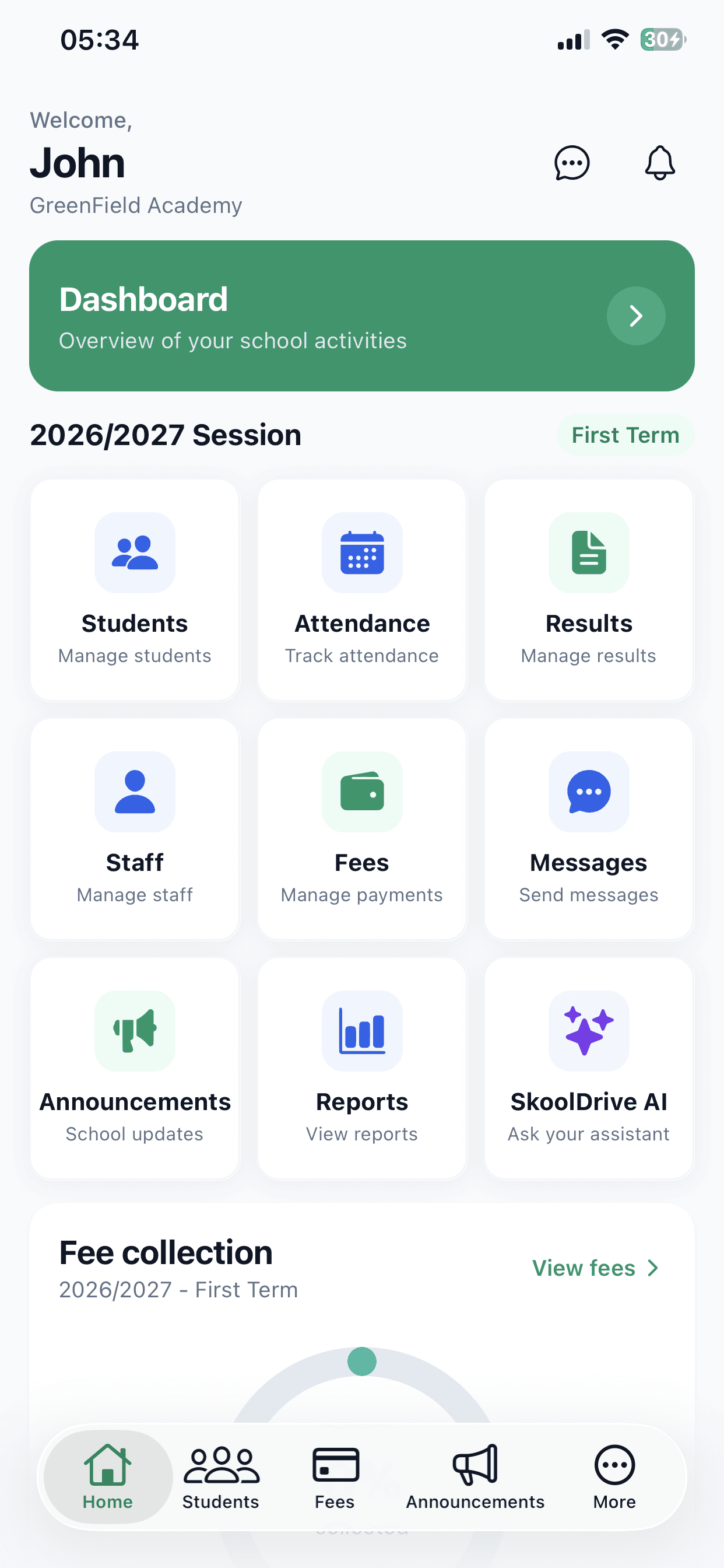
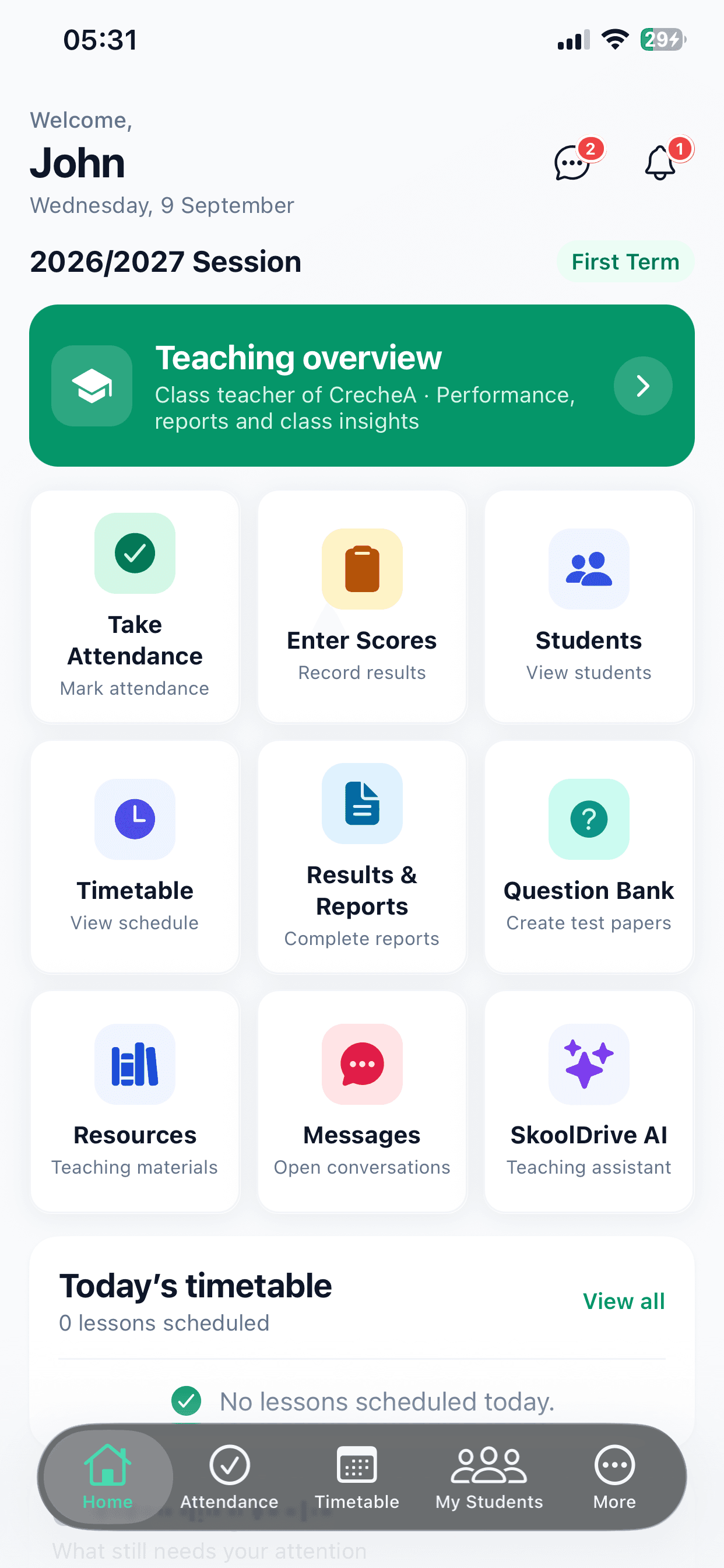
Built for Nigerian nursery, primary and secondary schools.
Set up your school onlineA familiar school day?
In a busy Nigerian school, teaching is only part of the work. When records, payments and updates live in separate places, your team spends more time keeping up.
Here’s how SkoolDrive helpsStudent details in notebooks. Class lists in spreadsheets. A simple update means checking more than one place.
Teachers send separate score sheets. Corrections go back and forth while families wait for report cards.
Bank alerts, receipts and payment messages need checking before anyone can explain a child’s balance.
Parents ask the same questions because the result, notice or information they need is hard to find.
Bring the work together with SkoolDrive
Start with the student record. Build the school day around it. SkoolDrive connects administration, teaching and parent access in one school management platform.
First, put your records in order
Keep student details, class placement and guardian links together. Your staff know where to look, who belongs in each class and who is responsible for updates.
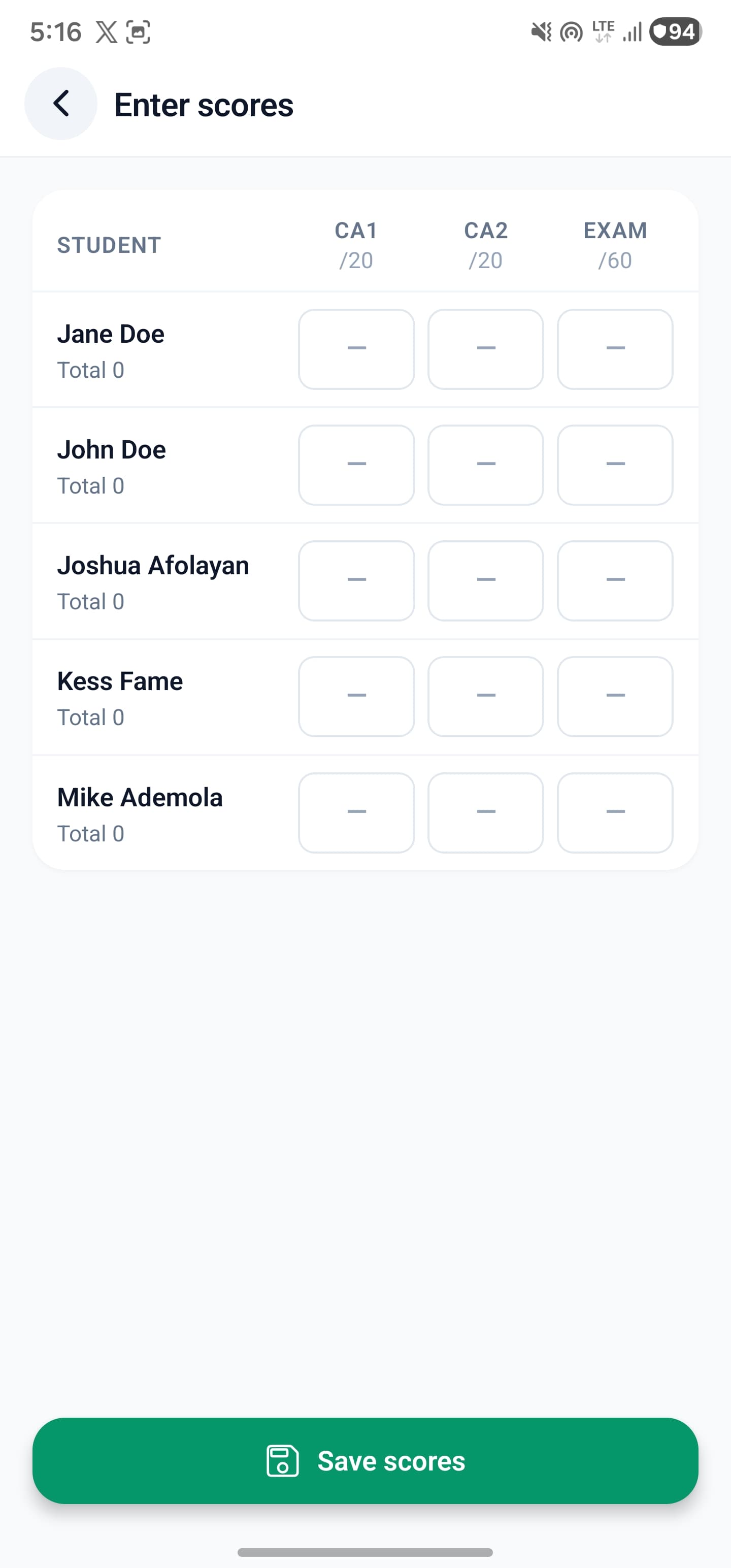
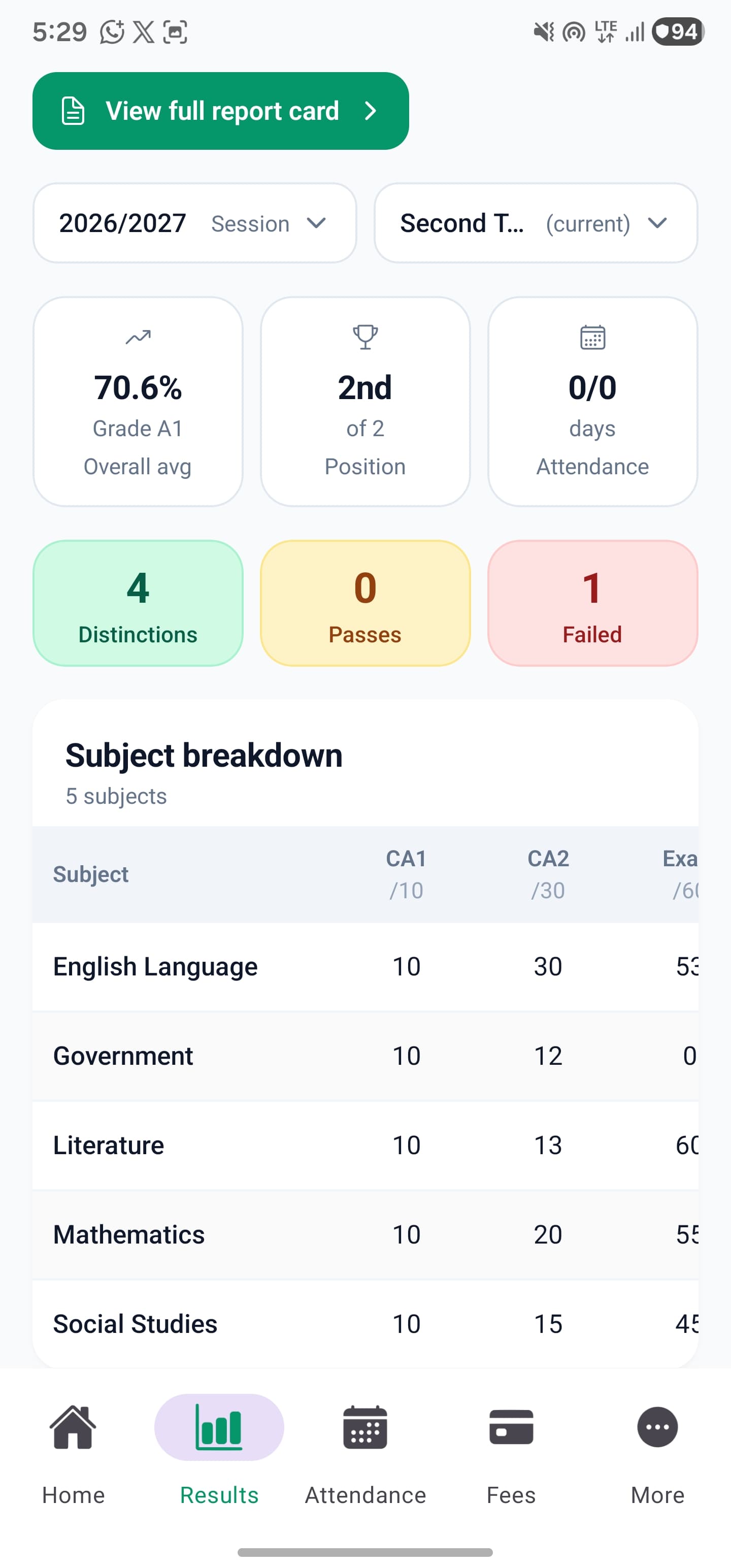
Next, take the pressure out of results
Bring result compilation into one clear process. No chasing different versions of the same score sheet. Your school reviews each report before it reaches the family.
CA, exam scores and class reports follow your school’s assessment settings.
Check the results, add comments and publish when everything is ready.
Published results are available for the children linked to their account.
Set charges, record verified payments and see what remains outstanding. Give your accounts team a clear payment history to work with.
Explore fee trackingClass teachers mark attendance for their assigned classes. Keep the register in one place and review attendance over time.
Explore attendanceGive families private access to their linked children’s published results and school updates, with a place to return to when they need information.
Explore the mobile appPrepare questions, run school CBT exams and review outcomes through the web portal. Plan the exam in one organised workflow.
Explore school CBTTimetables, staff onboarding, teaching resources and more—there’s room to bring more of your school’s work together.
Explore all SkoolDrive featuresUseful technology. A familiar starting point.
No need to spend every school day behind a laptop. Open SkoolDrive, choose a task and get to work—from taking attendance to entering scores or checking a published result.
Already onboarded? Download the app and use your school-provided access.

What changes for your school
The point isn’t just to replace paper with an app. It’s to make the school day easier for the people doing the work.
How to get started
Bring your school on board, organise your records and put SkoolDrive to work in your everyday school routine.
Submit your school details. We’ll guide you through onboarding and help you get access to your school’s workspace.
Add your academic session, classes, subjects, staff and students. Link parents to their children and give your team the right access.
Take attendance, enter scores, track school fees and share updates with parents—from your phone or computer.
Send your school details. Our team will follow up about setup and access.
See how onboarding worksFor school leaders and teachers
Start with useful, step-by-step advice on results, fee records and computer-based exams.

Results & assessment
A practical result compilation checklist for Nigerian schools: agree assessment rules, collect scores, review report cards and publish to parents.
6 min read · 30 September 2026
School finance
Build a reliable school fee record: define charges, identify payments, handle part payments and review outstanding balances with your accounts team.
6 min read · 30 September 2026
Exams & teaching
Prepare a school computer-based test with checked questions, working devices, clear access instructions and a supervised practice run.
6 min read · 30 September 2026A little more clarity
Have a school-specific requirement?
Talk to our teamYes. SkoolDrive supports sessions and terms, class-group assessment settings, report cards, fee records and parent access. Nursery, primary and secondary sections can use the workflows relevant to them. We’ll discuss your school’s structure during setup.
Not for many everyday tasks. Teachers can mark attendance for their assigned classes, enter scores and use teaching resources on Android or iPhone. The web portal is available for larger-screen work; CBT runs through the web, not inside the native app.
Authorised school staff link children to the correct guardian and provide a private access code. Parents use that code to sign in and see their linked children’s published information. They can use a still-valid code on another phone too.
No. The current fee tools organise charges, recorded payments, receipts and balances. Authorised staff record or verify payments. Automatic bank reconciliation and school cash wallets are not currently included.
Request current pricing for your school’s size and required workflows. The team will confirm the applicable plan, billing terms and setup details before you decide.
No. Start with the workflow that matters most to your school, prepare the records and access it needs, and introduce more features as your team gets comfortable. Book a demo or send your school details to discuss a practical starting point.

Start with your school
Bring the task that takes your team the most time. We’ll show you how it works in SkoolDrive and help you choose a practical place to start.